Selected workflows in ToolKnit Desktop v3.1.0
Screenshots below are from an earlier release and illustrate general workflows. V3.1 controls may differ.
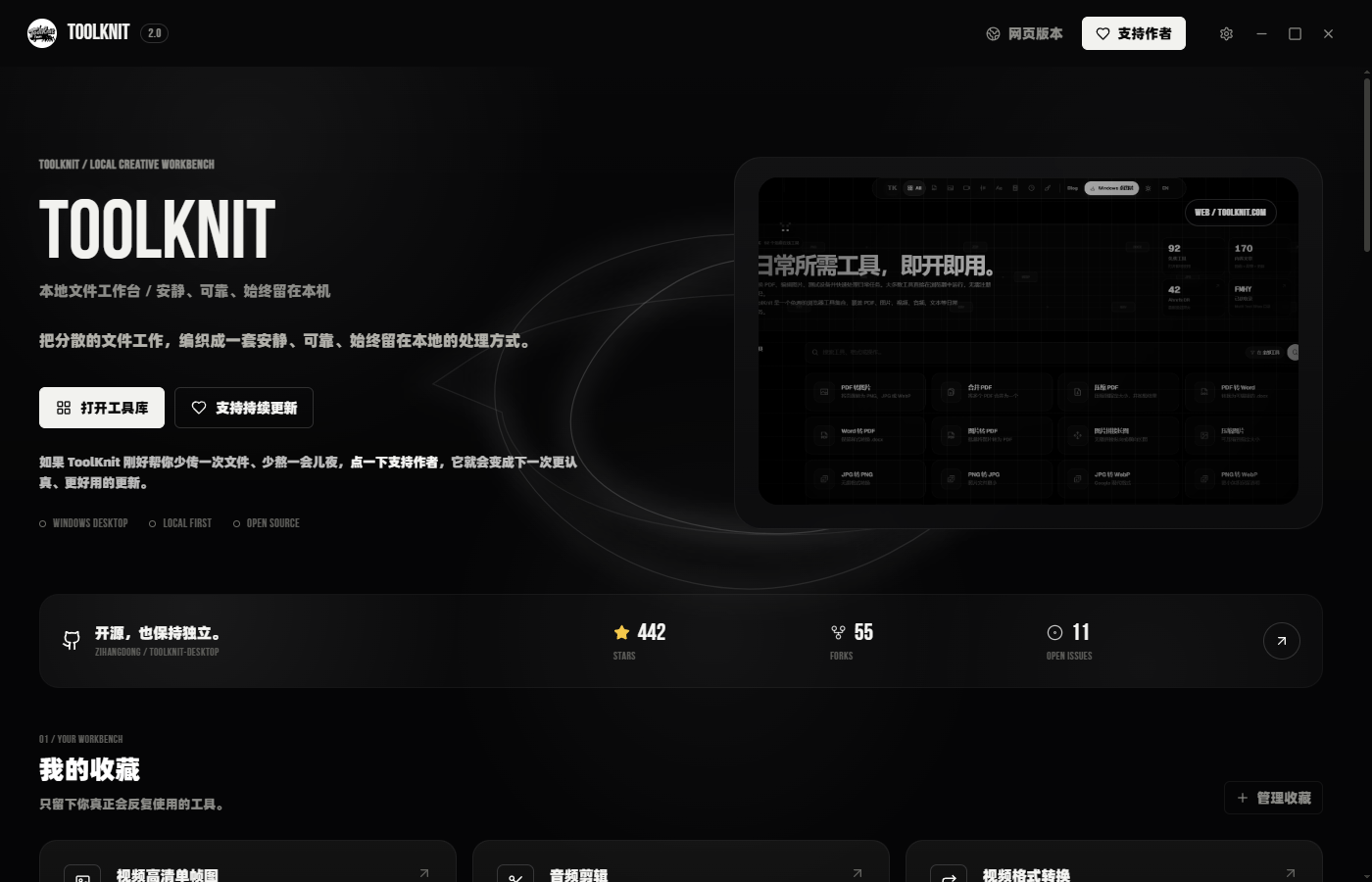
ToolKnit Home
A focused home for 71 desktop tools, with 12-category navigation, a unified output directory and customizable image or video backgrounds.
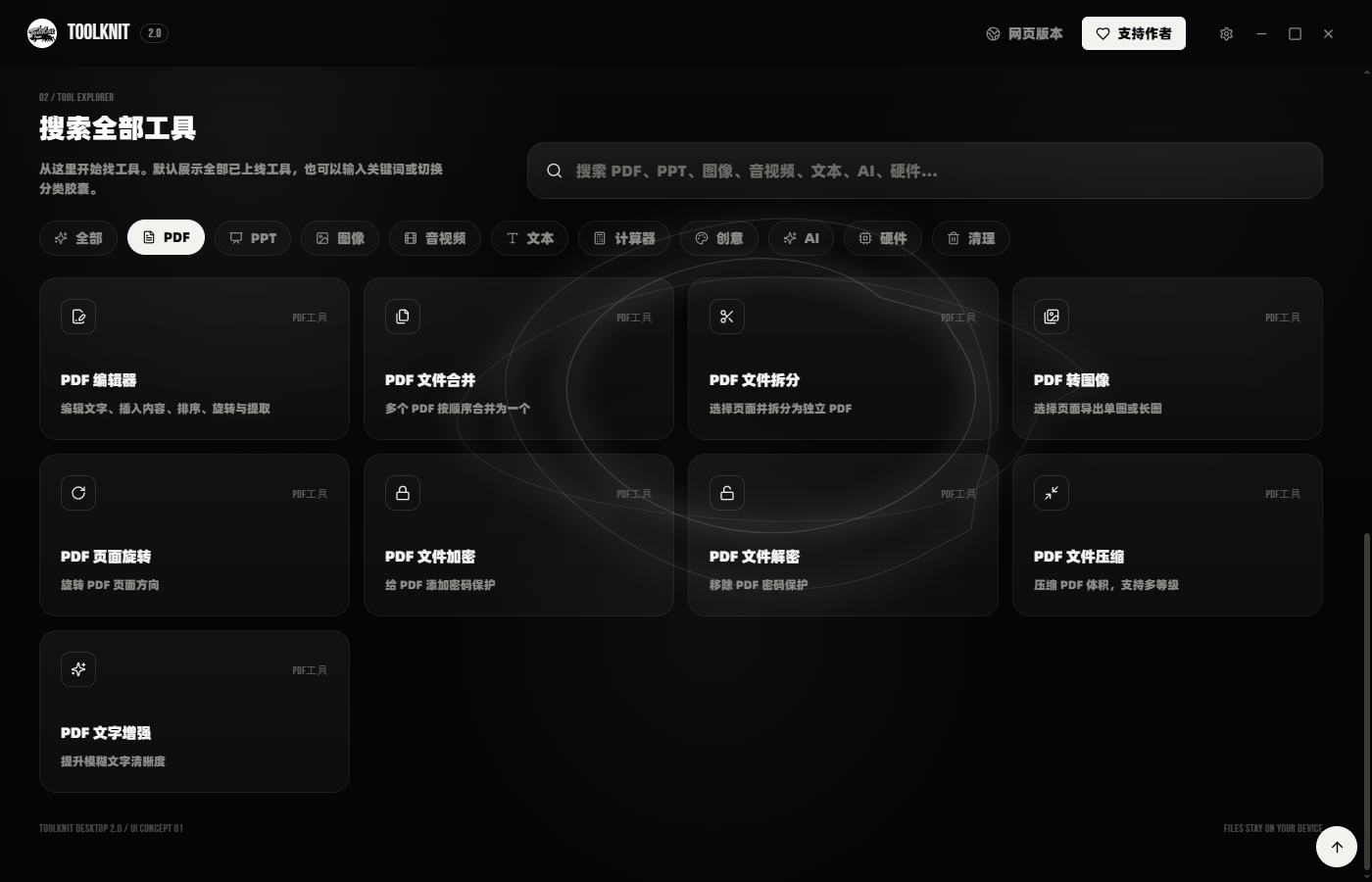
PDF Toolkit
Fourteen local tools cover PDF editing, page management, protection, compression, image export, Excel-to-PDF rendering, text-to-Markdown and scan effects.
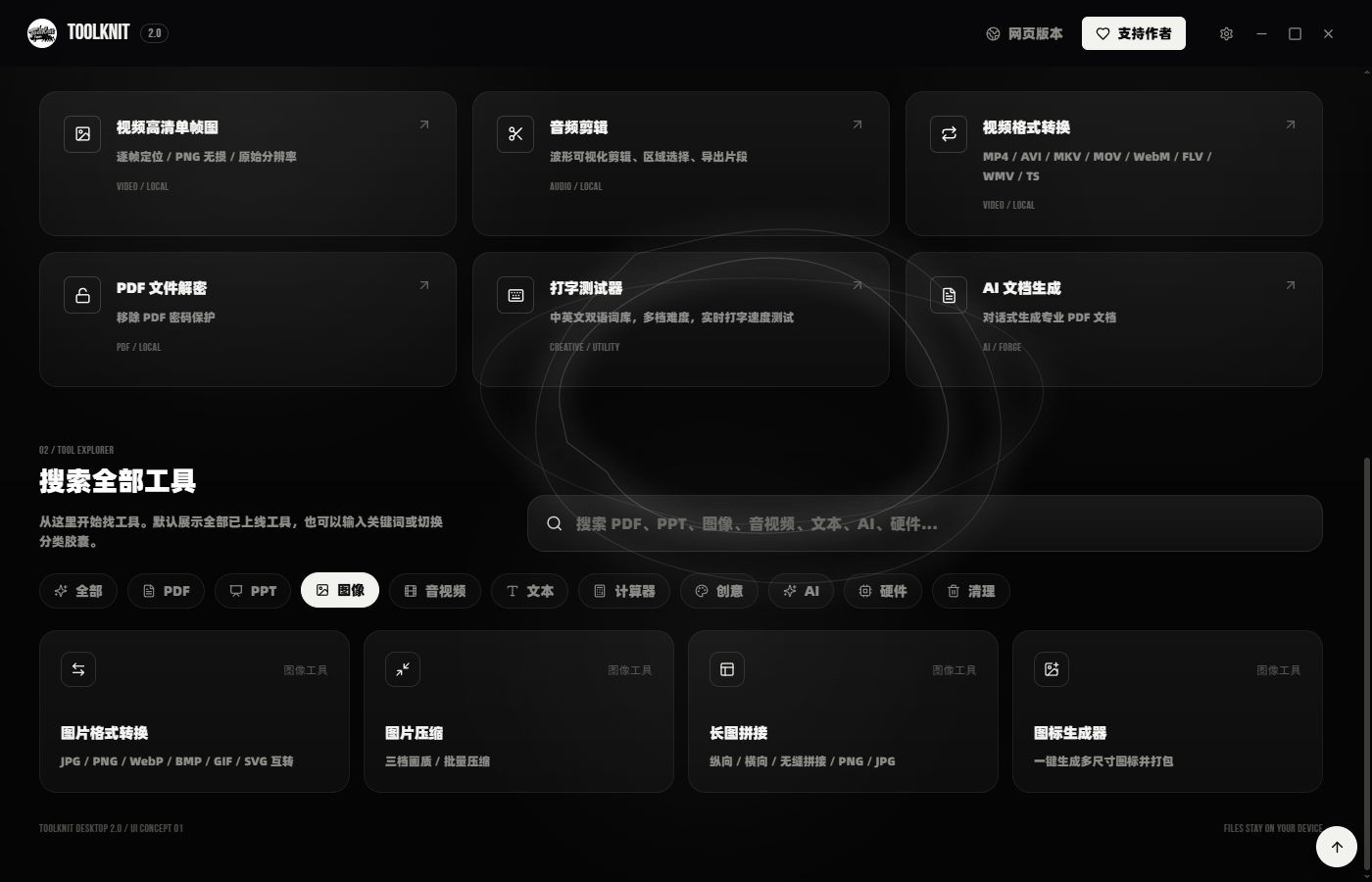
Image Processing
Seven image tools cover crop, protected-area color replacement, local-model background removal, conversion, compression, long-image stitching and icon generation.
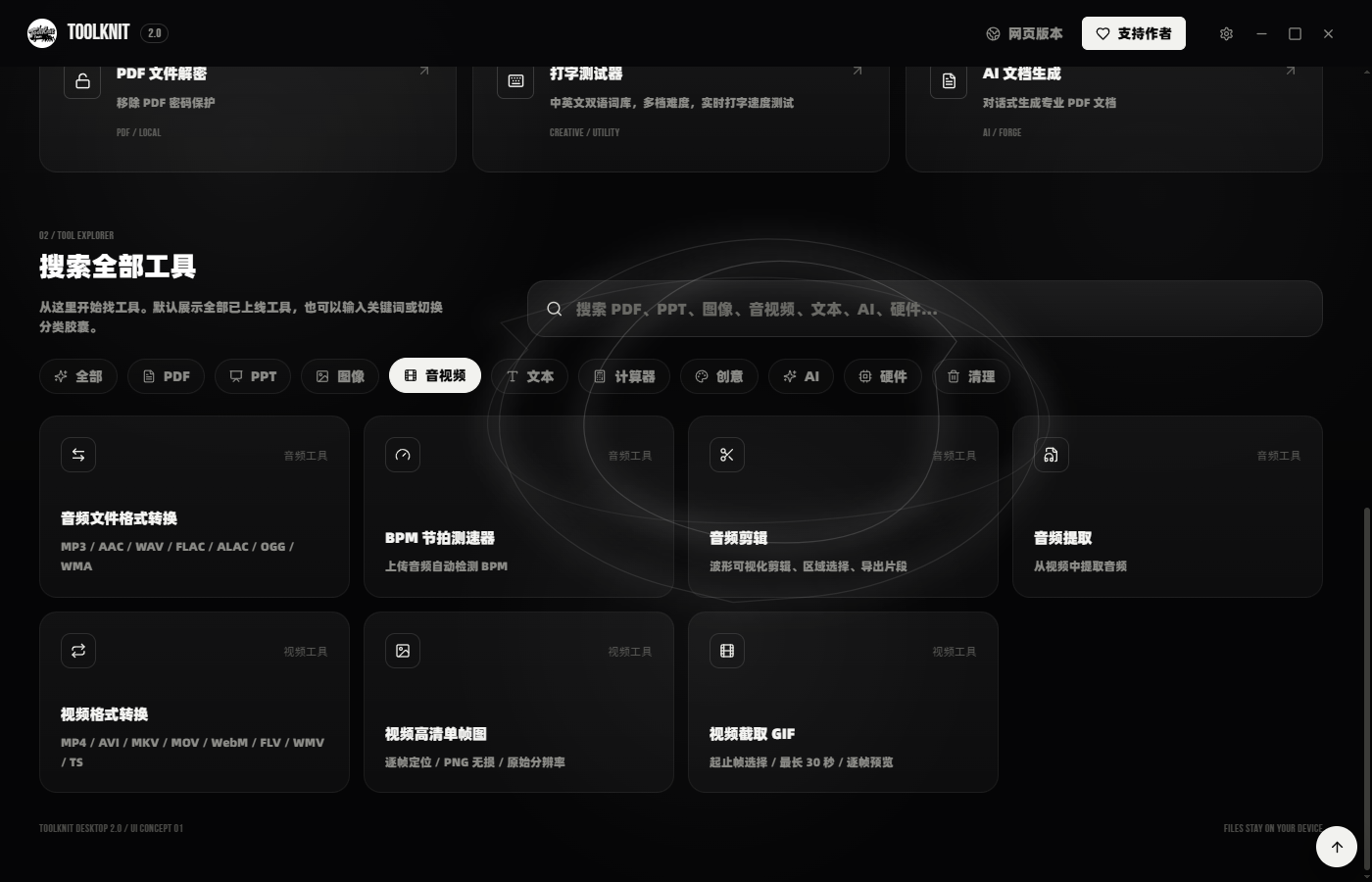
Audio & Video Workflows
Convert, clip and inspect audio or video locally, detect BPM, export frames, create GIFs and transcribe media with an offline Whisper model.
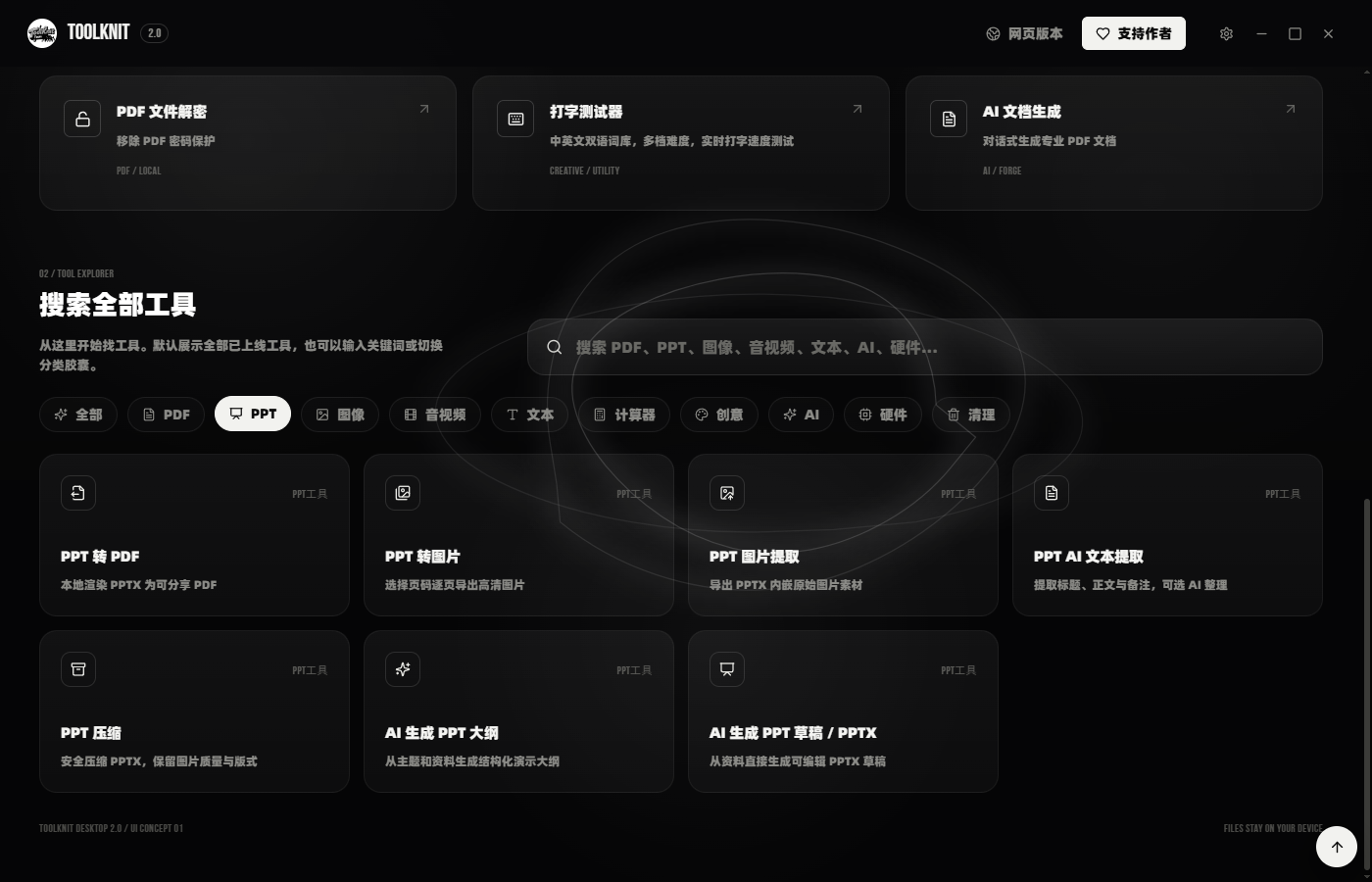
Presentation Workflows
Seven presentation tools convert PPT files to PDF or images, extract media and text, compress decks, and generate AI-assisted outlines or editable PPTX drafts.
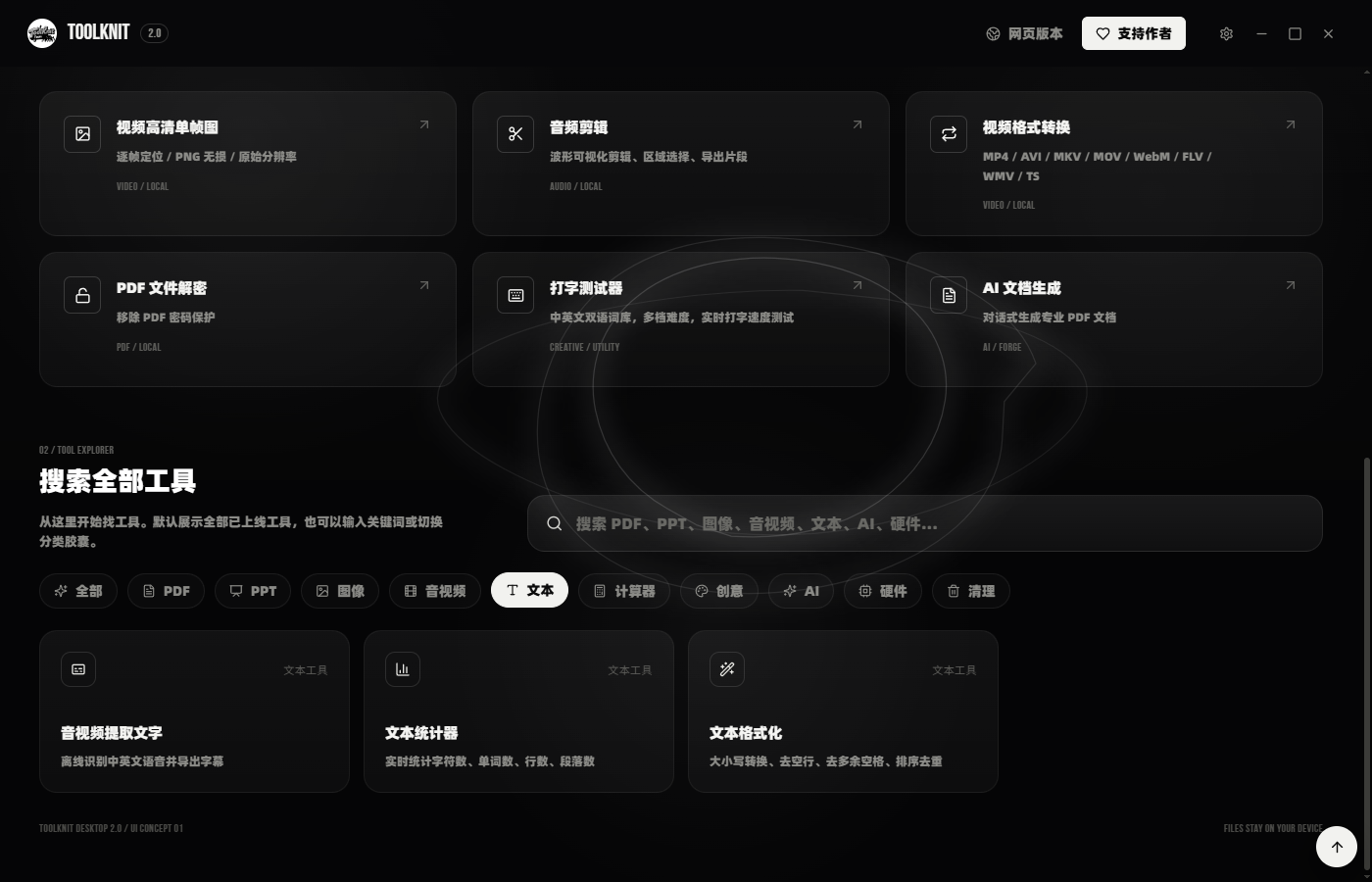
Text Workflows
Five text tools combine a Markdown editor, offline Whisper transcription, a voice-following teleprompter, text statistics and text formatting.
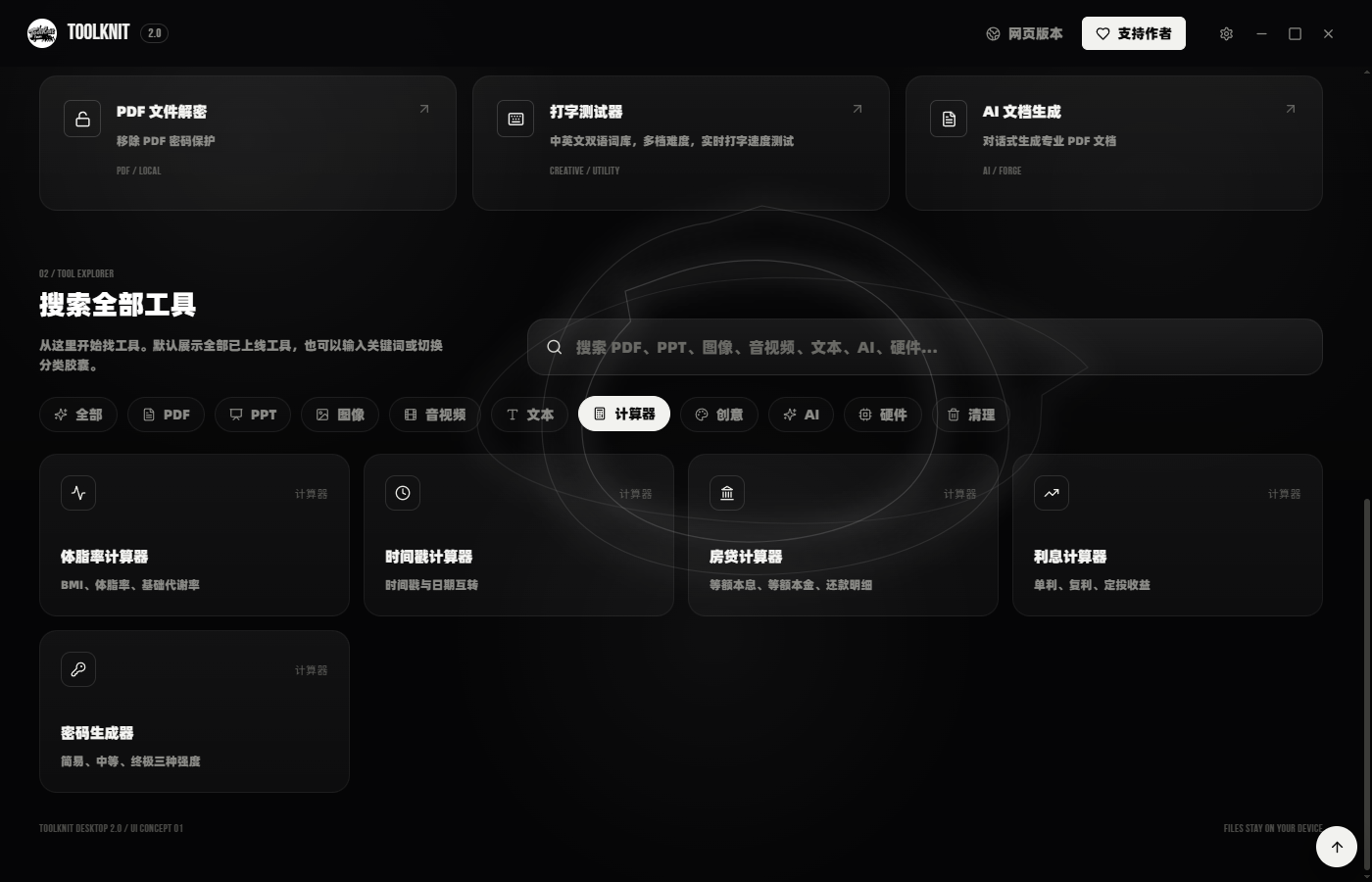
Practical Calculators
Keep recurring calculations close at hand with focused tools for BMI, timestamps, mortgages, interest and secure password generation.
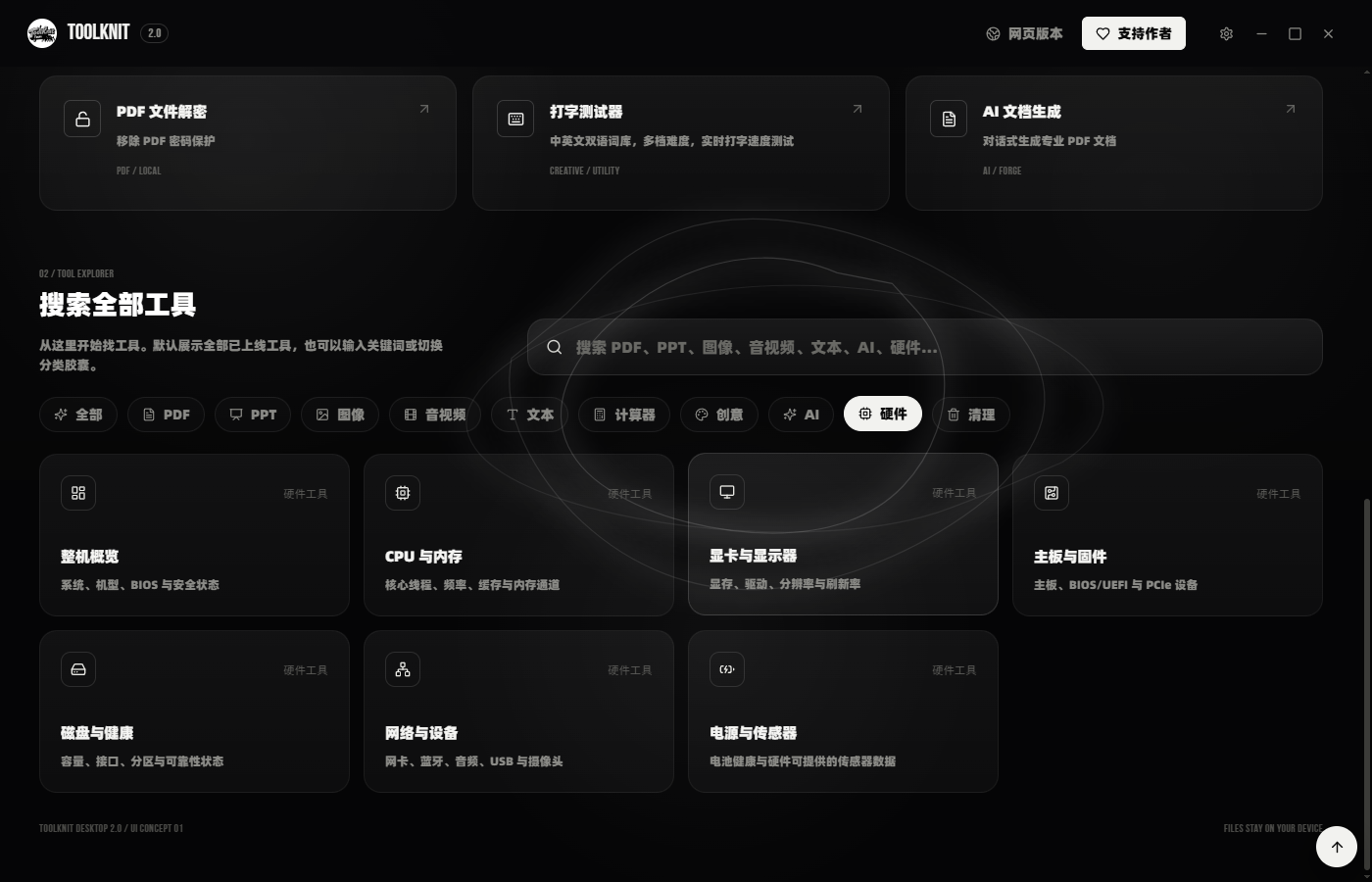
Hardware Utilities
Eight utilities bring together system information, storage health, device checks and Windows Clipboard History. Clipboard monitoring is controlled in settings.
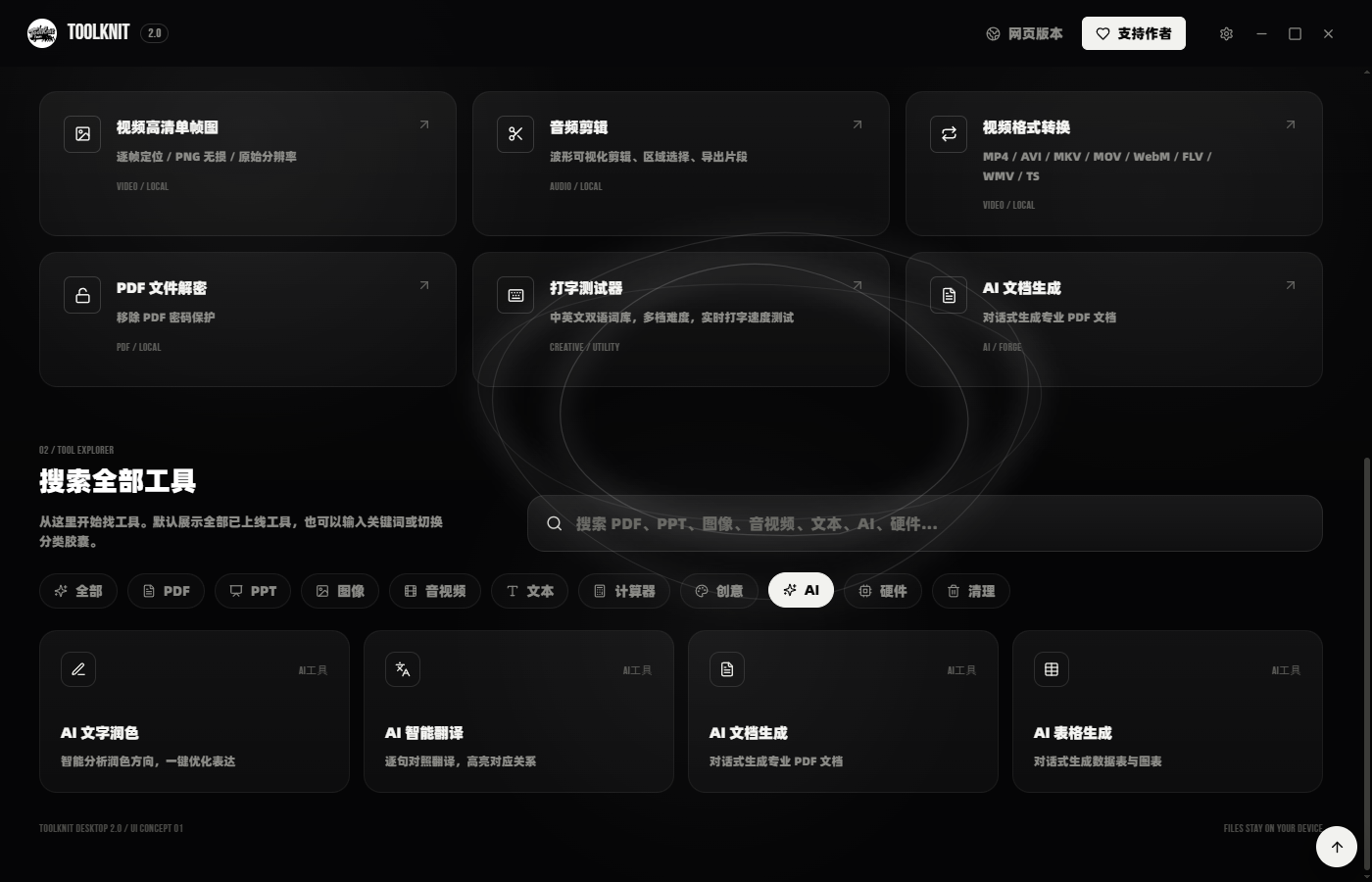
Editable AI Projects
Six tools cover polish, translation, documents, tables, visual PDF-to-Markdown and quick screenshots. Selected AI content goes to your configured provider; screenshot OCR and optional local translation can run on-device.