Everyday tasks,
together in one toolbox.
ToolKnit brings 96 free tools into your browser. Work with images, PDFs, audio, video and text, or try a calculator or creative exercise.
Work with files. Organize ideas. Try something creative.
No installation or signup. Start with one small tool.
Collections stay in this browser.
Files, creative projects and everyday productivity. Pick a category and get started.
Convert, compress and combine documents, ready for the next task.
PDF to Image · Merge PDF · Compress PDFResize, compress and remove backgrounds from your visual material.
Photo Motion Maker · AI Image Metadata Viewer · Image to PDFCompress a video, capture a frame or turn a moment into a GIF.
Subtitle Repair & Sync · Compress Video · Video to GIFConvert formats and trim clips for everyday audio tasks.
MP3 to WAV · WAV to MP3 · MetronomeCount, compare, extract and encode. Spend less time repeating yourself.
Character Counter · Extract Text · Lorem Ipsum GeneratorUnits, percentages and BMI, with clear explanations of the numbers.
Age Calculator · Unit Converter · Percentage CalculatorTimers, world clocks and focused work. Find your own rhythm.
Typing Speed Test · Stopwatch · Countdown TimerWhiteboards, colors and aim practice. Make space for an idea.
Text Animation Maker · Emoji Finder · WhiteboardConnect your chosen AI provider for conversation and creative tasks.
AI Trajectory · AI Tarot · AI Ex-Partner ChatObserve everyday changes with helpful context and clear limitations.
Emotional Neglect Test · Quit Smoking TrackerA closer look at the tools, your files and the person behind them.
Everyday tasks,
together in one toolbox.
ToolKnit brings 96 free tools into your browser. Work with images, PDFs, audio, video and text, or try a calculator or creative exercise.
Local where supported.
Clear about the exceptions.
Supported image, PDF, audio and video tasks run on your device without uploading file contents. Optional AI and online features send the required inputs to your chosen provider. Check each tool for details.
Another ToolKnit,
right on your desktop.
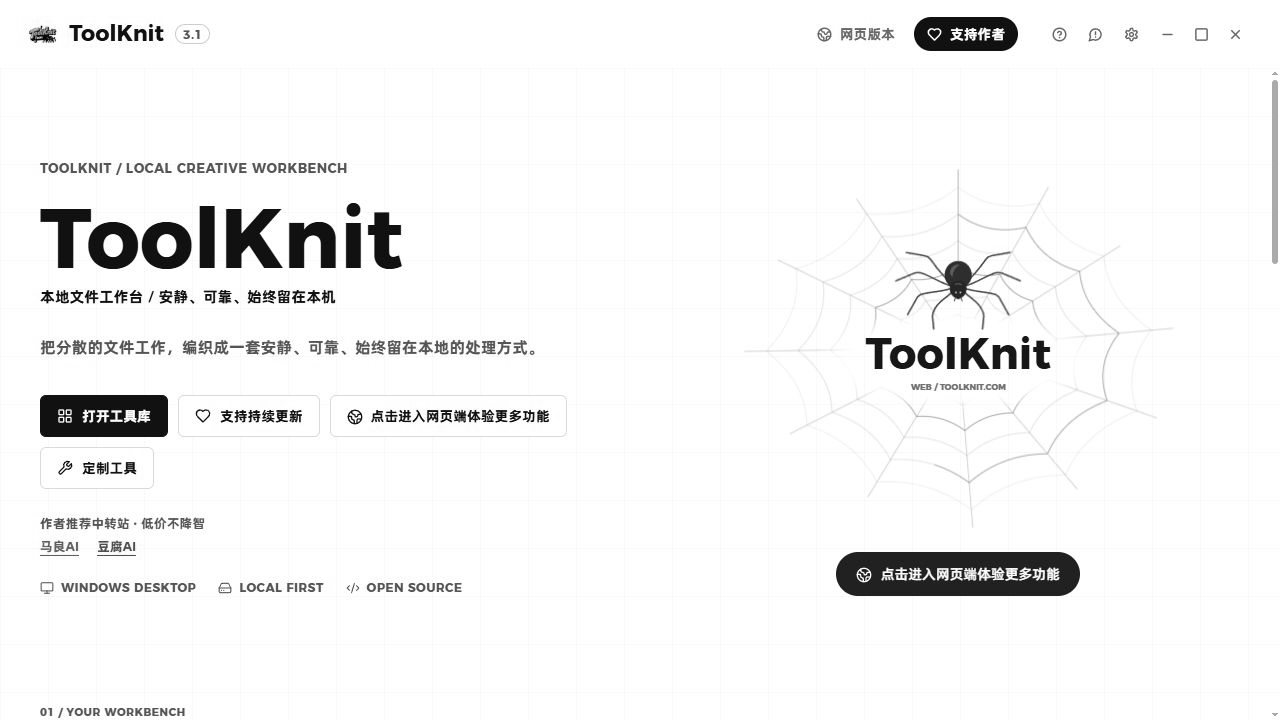
ToolKnit Desktop brings document, image, media and productivity tools into a Windows workspace. Explore the public source, follow releases, report issues and review the license on GitHub.
Built by one person.
Better with your ideas.
Found an issue, have an idea or want to collaborate? Get in touch. Include the tool name, your device and steps to reproduce so we can understand the problem.
info@toolknit.comGood little tools
are worth sharing.
Share ToolKnit with a friend, colleague or community. Only the website link is shared. Your files and collections stay in your browser.
ToolKnit Desktop is a local-first toolbox for Windows. Work with documents, images, audio, video, screenshots and clipboard history in one workspace.
PDF, image, audio and video tools, alongside screenshots, OCR and floating clipboard history.
Explore the code, follow releases and suggest improvements on GitHub. Optional AI features use the external service you configure.

Nothing to set up. Just open your browser.
96 free online tools. Browse by task and find the one you need.
Export page images, long images or 4/9-page grids
Combine multiple PDFs into one
Compress to a verified target size
Text PDFs to editable DOCX; no scans
Convert .docx preserving styles
Animate a photo with custom camera paths
Read saved prompts, workflows & image credentials
Images into a single PDF
Combine images into one long image
Compress to a target size
Lossless format conversion
Compact format conversion
Modern format, 30% smaller
WebP with transparency
Universal compatibility
Lossless format conversion
Split into 3×3 grid pieces
Split one image into connected slides
Free crop or locked ratios
Resize with social presets
AI-powered background removal
Convert iPhone photos to JPG
Mirror & rotate by 90/180/270°
Convert Illustrator files to PNG
Crop into a circle PNG
Check SRT/VTT and adjust subtitle timing locally
Reduce size, maintain quality
Clips to animated GIFs
Choose a moment, preview and save a still
Extract audio as WAV
Lossless PCM output
Selectable bitrate 128–320kbps
30–300 BPM with tap tempo
Find any song’s tempo
White, brown & pink noise mixer
Audio waveform + synced lyrics player
Words, sentences & paragraphs
From PDF, Word, Excel & 12+ formats
Placeholder text for designs
20+ cool fonts, copy & paste
Text to Morse & back, with audio
Beautify, validate & minify
Create & download PDF invoices
Live preview & export
Compare texts & find differences
MD5, SHA-1, SHA-256, SHA-512 & file hash
69 AI neural voices, 19 languages
6 effects, export MP4
Exact age, zodiac & birthday countdown
Length, weight, temp & more
Percent of, change & ratio
Adult BMI, two standards and local history
Calculate tip, total & split bill
Monthly payment & amortization
Real-time meeting burn rate
WPM, accuracy & keystroke tracking
Millisecond precision + laps
Audio alert when done
80+ cities, live time
Focus & break intervals
Unix epoch to date & back
Search & copy 550+ common emojis
Draw, sketch, annotate
Random meal suggestion
Let the universe decide
Find broken or stuck keys
Custom wheel, up to 15 options
4 modes, ms precision
Clicks per second benchmark
2D targets, 3D headshots & tracking
Test your mic & webcam live
URLs, text, Wi-Fi & email
Retro presets & palettes
3D animation + statistics
1— dice with history
Crypto-secure, strength meter
Image pixels, HEX/RGB, alpha and palettes
CSS linear & radial gradients
Schedule image & PDF export
Draw or type, transparent PNG
Create, flip & quiz study cards
Paste data, export PNG & HTML
3,469 holidays across 129 countries & regions
Record where you put things
Image to ASCII text
Text to big ASCII banner
Play, record & export .mid
Tri-color halftone filter
Drinking game roulette, 300 dares
6 guided breathing techniques
Multi-round life path inference
Draw cards, AI interprets
Distill memories into an AI persona
Interactive story, you choose the path
40 self-reflection prompts, not a diagnosis
Track progress, savings & health
No matching tools. Try another search.
Find a different way to use a tool through everyday situations. The five latest stories.
My phone was full after a beach trip. I batch-compressed 100 photos without losing visible quality using a free browser tool.
A workflow story about checking intermittent missed key events with a browser keyboard tester, including what the test can and cannot diagnose.
No Miro, no Figma. Three founders used a free online whiteboard to map out their startup roadmap on a Saturday afternoon.
Our PM couldn't decide between two features. Someone pulled up a Magic 8-Ball online. The answer was surprisingly wise.
My cat had epic zoomies at 3 AM. I captured it on video, turned it into a GIF, and now it's our group chat's top reaction image.
Step-by-step guides that start with a real task. The five most recently updated articles.
Choose PNG, JPG or WebP, calculate PDF image resolution, and combine pages into long images or 4/9-page contact sheets with a reproducible example.
Split any image into 9 tiles for Instagram grid posts. Download all pieces as ZIP. Free online tool, no uploads needed.
Free online percentage calculator. Compute percent of a number, percentage change between values, and ratios. Instant results, no signup needed.
Test every keyboard key, identify broken or stuck inputs, and check rollover or ghosting on mechanical, membrane, and laptop keyboards.
Create a personal drawing board, annotate an image with arrows and text, use layers, and export PNG or PDF. Learn local-save and canvas limits before you start.
The five latest product updates. Small improvements that make the tools easier to use.
The homepage sidebar now uses two equal language options with icons and a clear light background for the selected language. Larger touch targets and isolated navigation styles keep the switch readable and aligned on small screens while preserving your site-wide language choice.
On smaller screens, the spider web keeps its proportions and favorite tool cards center their contents. Collection editing sits below the heading, alongside a live collection count. Collection and tool-category scrollbars have clearer spacing.
A sidebar workspace brings tools, favorites, the latest stories, guides and product updates together in both English and Chinese. Create and edit tool collections stored in your browser. Search tools by task or category, with a layout that adapts to smaller screens.
Basic aim practice now uses white ball targets and brief check marks that do not block the next click. Hit sounds can be controlled in both practice modes and respect the site sound toggle.
Whiteboard protects saved work when recovery fails or another tab changes the board. Export an editable project and preview it before replacing the current canvas. Whiteboard shows shape handles while drawing and switches to selection after completion, previews erasing while dragging, and has clearer tool menus and a refined page layout.
Ask about a tool, share an idea or tell us what could work better.
Posts and names are reviewed by DeepSeek before publication. Approved content is public and sent to the administrator by email. Please keep private information out.
Privacy and discussion rulesThis conversation is closed. Replies and likes are paused.